Disabling any feature means disabling it programmatically as if it does not exist.
About Wawp Plugin Dashboard
Wawp Plugin Dashboard allows you to access and control most of the plugin features.
2 min read·Updated May 11, 2026
Go to Dashboard
Customize which features are enabled to match your preferences.
Please replace
https://domain.tld/ with your actual site URL.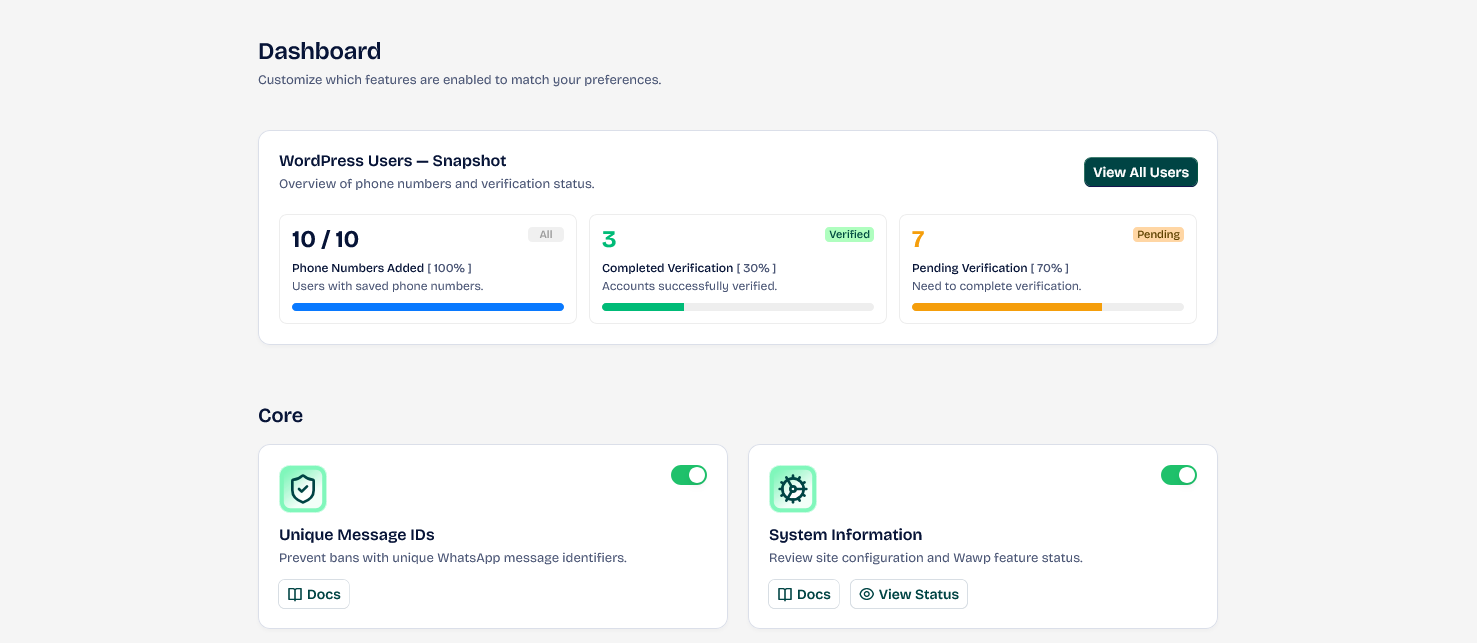
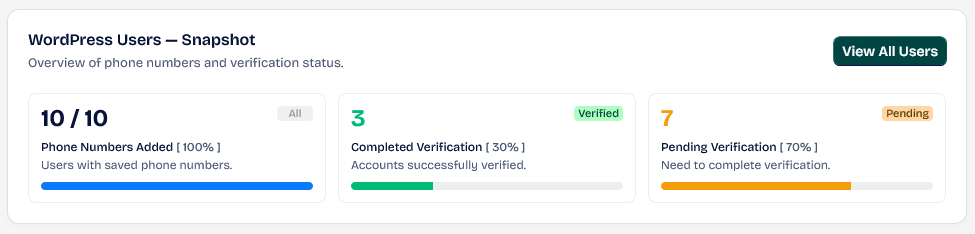
WordPress Users — Snapshot
This area allows you to find information about an overview of phone numbers and verification status.
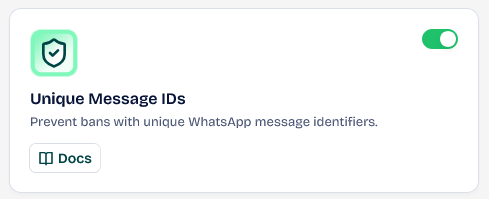
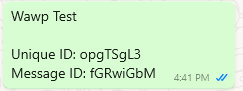
Unique Message IDs
Prevent bans with unique WhatsApp message identifiers, increasing the randomness within the message, making each message unique when not using Placeholders. This is very useful with bulk messages.
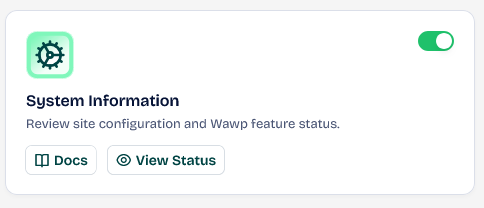
System Status Information
Information is given about the system status and any potential problems within the system, with most problems being able to be solved directly.
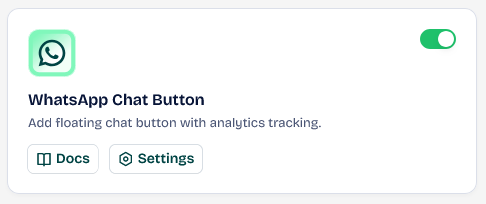
WhatsApp Chat Button
Add a floating chat button with analytics tracking.
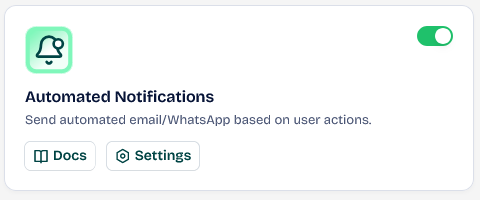
Automated Notifications
Send automated email/WhatsApp based on user actions.
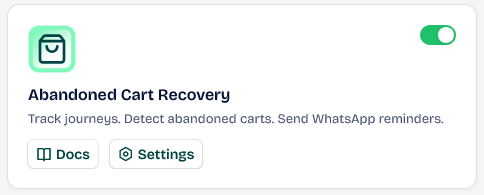
Abandoned Cart Recovery
Track journeys. Detect abandoned carts. Send WhatsApp reminders.
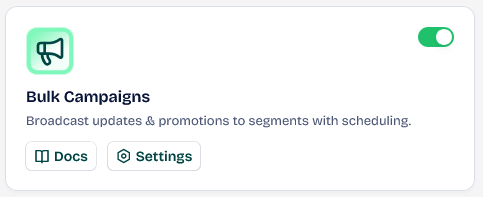
Bulk Campaigns
Broadcast updates & promotions to segments with scheduling.
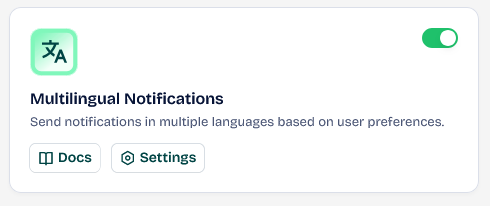
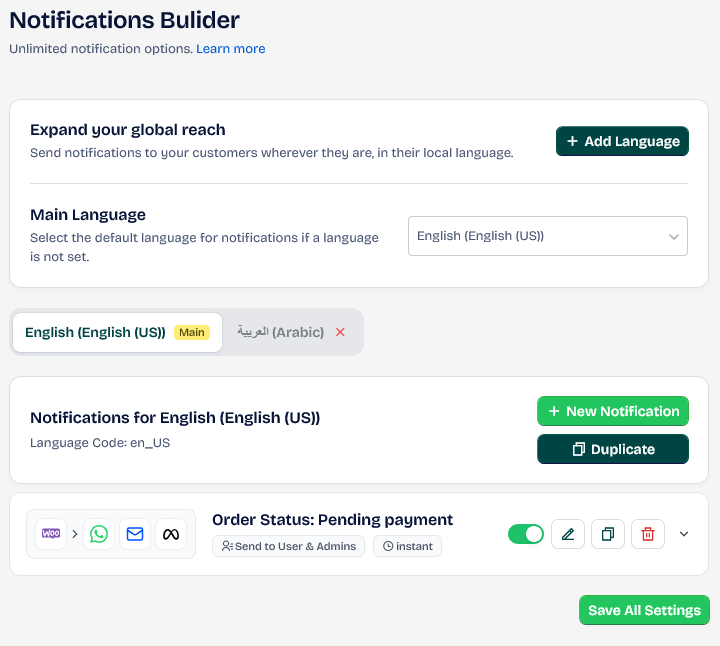
Multilingual Notifications
Allows you to send multiple automated notifications translated based on the user's profile language.
WooCommerce Subscription Notifications
After activating it, it appears inside Triggers notifications.
Advanced Phone Field
Add country code selection directly into any phone field.
Passwordless Login
Enable one-time password login via WhatsApp or email.
Registration Form Builder
Customizable registration form with email/WhatsApp verification.
WooCommerce Checkout Verification
WhatsApp verification at checkout to prevent fraud & fake orders.
Custom Authentication Pages
Create custom pages and redirects for login, signup.
Did this page help you?
- Need help? Contact Support.
- Check out our Changelog.
- Join our Facebook Community.
- LLM? Read llms.txt.