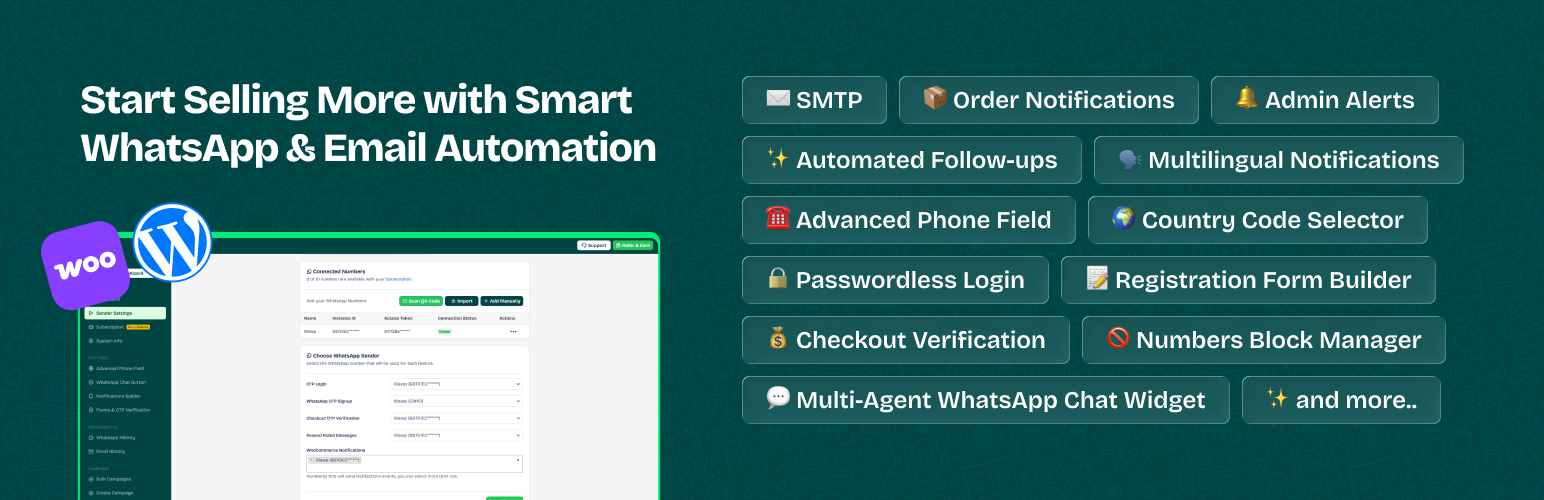
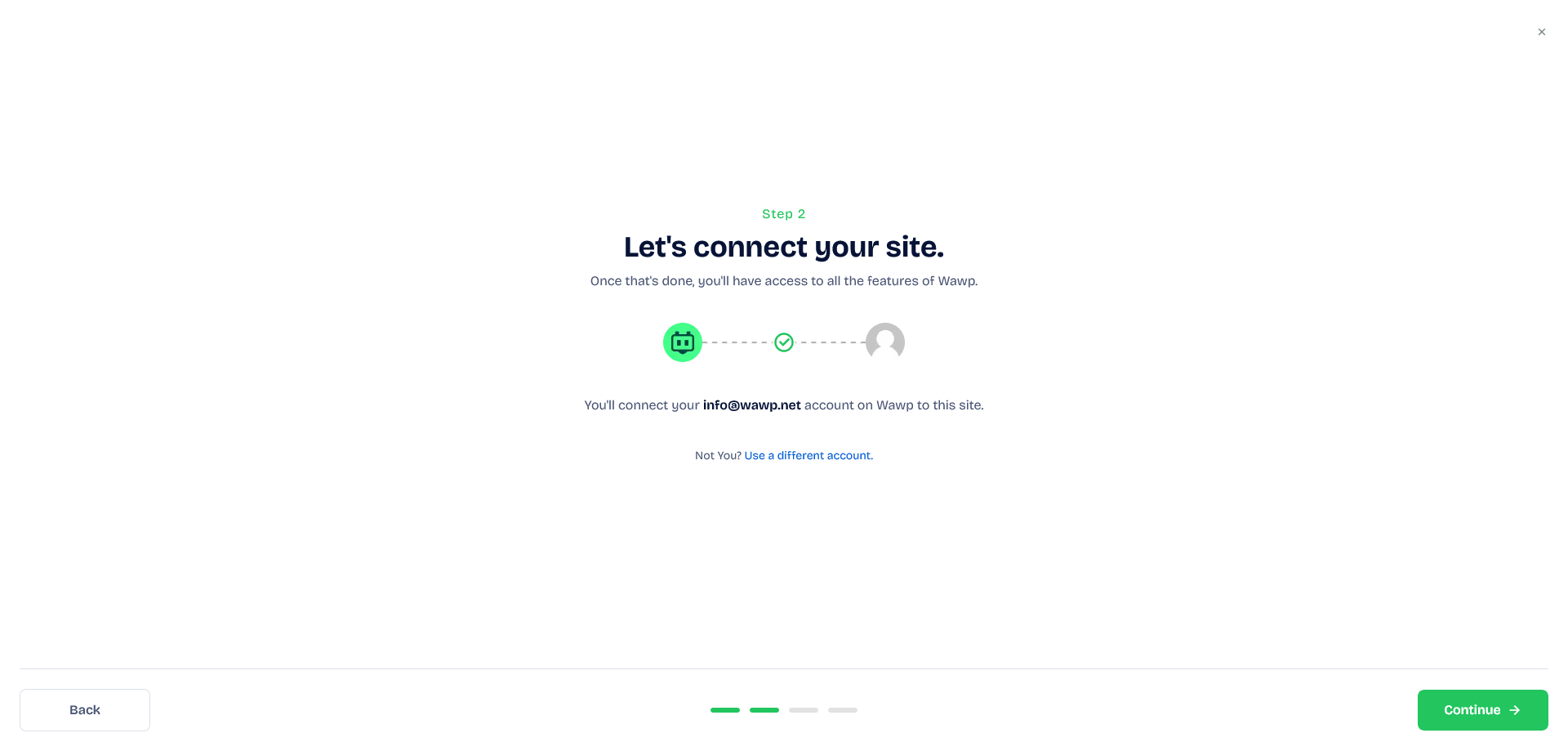
Follow this guide to install the free or pro version of Wawp on your WordPress site and connect it to your account.
2 min read·Updated May 11, 2026
Install Free Version via WordPress.org
The free version includes essential features, and you can download it directly from the WordPress directory or from your website. After downloading, you can upgrade to Wawp Pro later.
Install Pro Version via Wawp Free
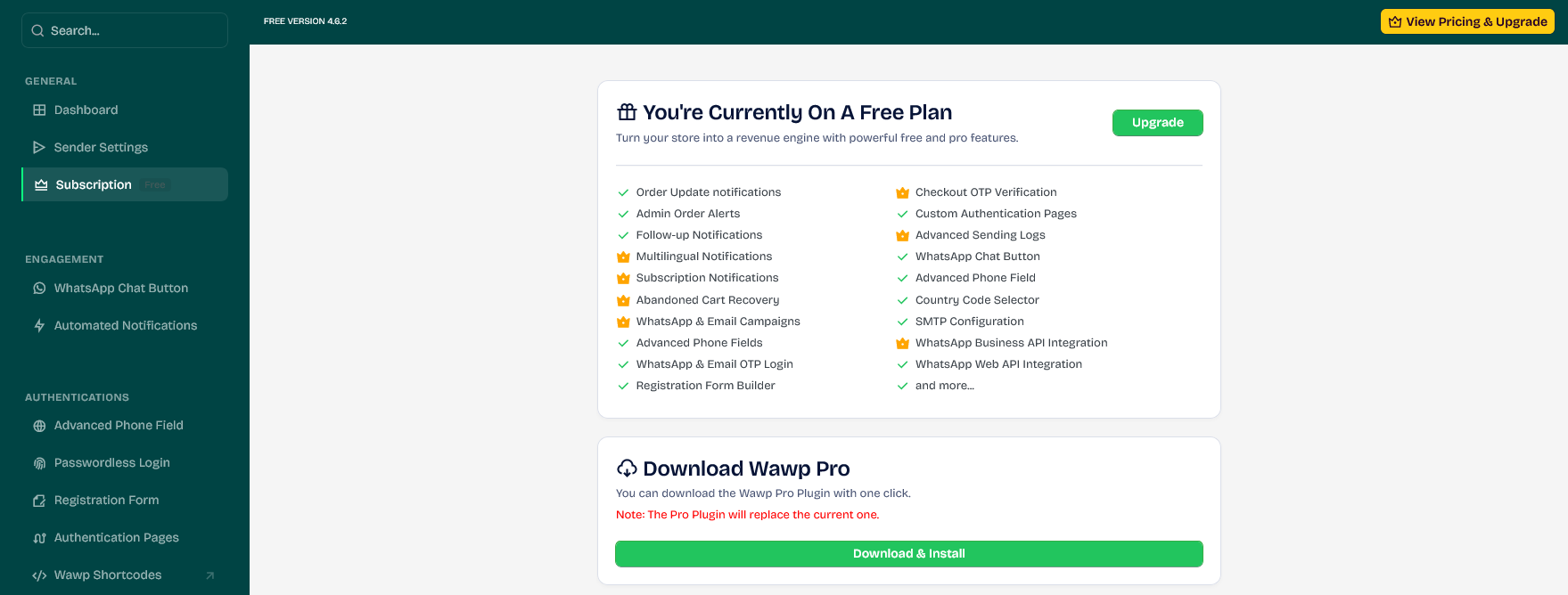
With a single click, you can switch to the Wawp Pro version from within the Wawp Free version you downloaded from the official WordPress directory.
1
Access Subscriptions From your WordPress dashboard, go to Wawp Dashboard > Subscriptions.
2
Download & Install Click on the Download and install button to upgrade instantly.
Update to Wawp Pro: Quickly update your Wawp plugin version to Pro. Open Connector
Install Pro Version via FTP/cPanel
To take full advantage of our features, simply download the plugin file and upload it to your website via plugins or FTP.