If you’re ready to start using Wawp's services, the first step is to create your Wawp account.
How to Create your Wawp account
This quick guide walks you through the easy process of creating your Wawp account, from filling out the registration form to verifying your identity via WhatsApp.
1 min read·Updated May 11, 2026

The process is fast, easy, and will get you able to automate whatsapp in no time.
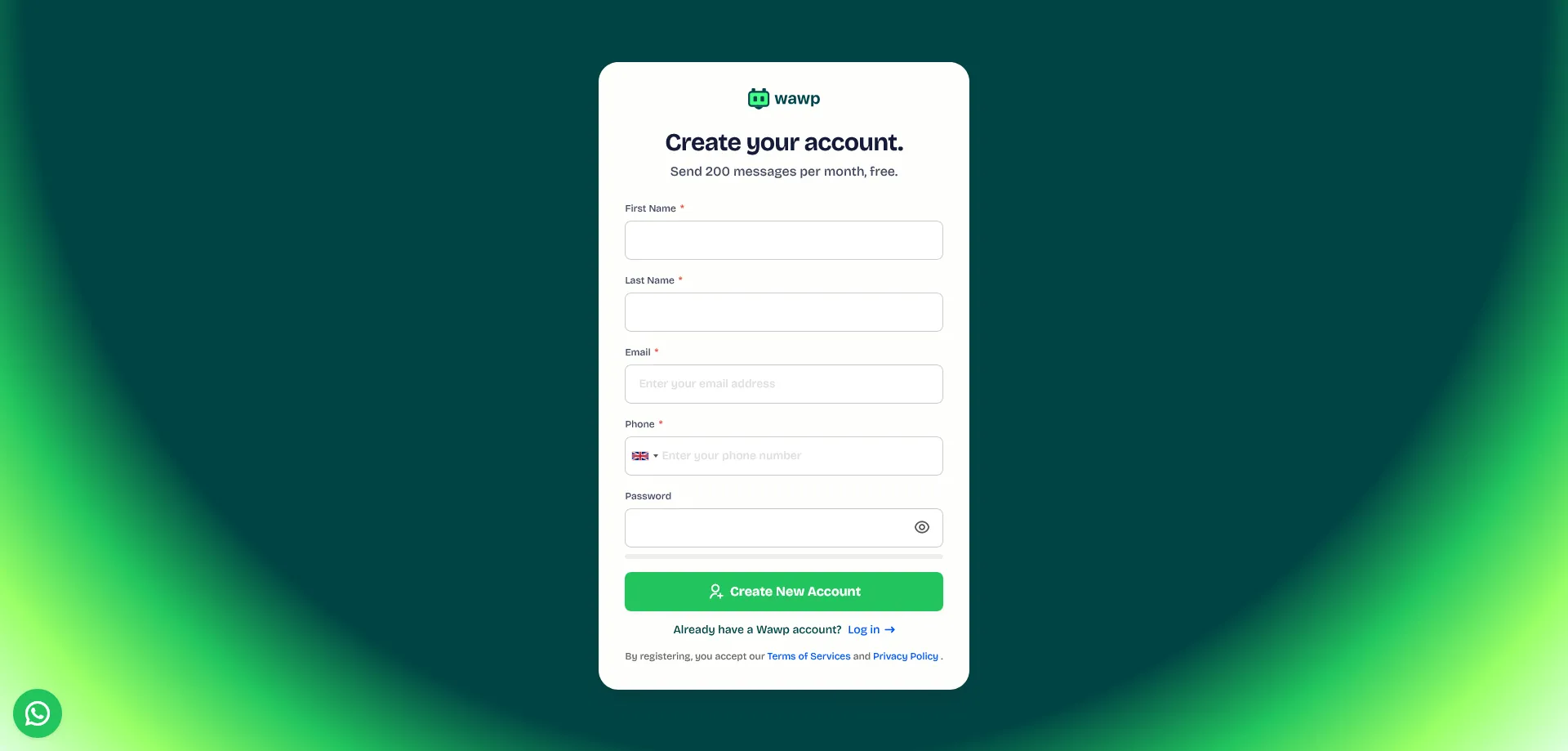
Step 1: Go to the Wawp Sign-up Page
First, navigate to the official Wawp sign-up page. This is where you’ll begin your registration.
Step 2: Fill in Your Personal Information
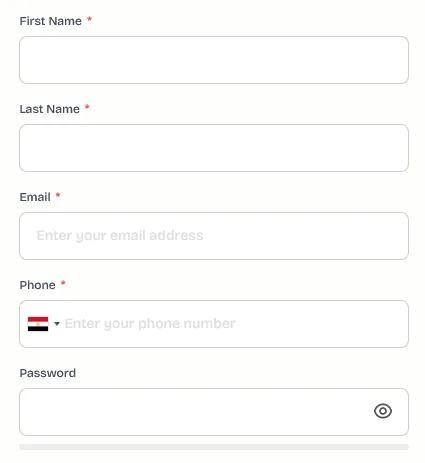
On the sign-up form, you will need to provide some basic details to create your Wawp account.
- First Name: Enter your first name.
- Last Name: Enter your last name.
- Email: Use a valid email address. This will be your primary contact method.
- Phone Number: This is required for account verification.
Note: The password field is optional. You can choose to set a password during registration or later from your account settings.
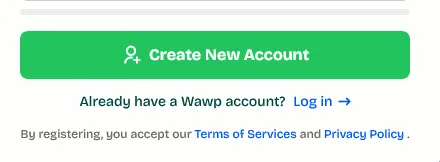
When you've finished, click the 'Create New Account' button.
Step 3: Confirm Your Account via WhatsApp
After clicking "Create New Account," you'll receive a 6-digit verification code on WhatsApp. Check the phone number you provided and enter the code into the verification field.
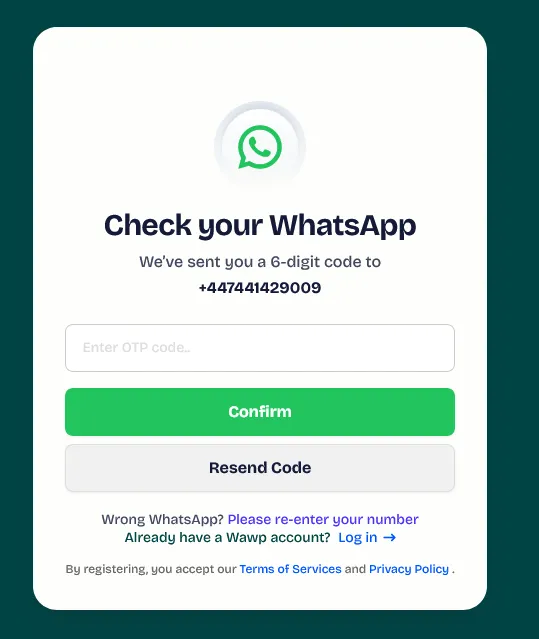
Once the code is verified, you will be automatically redirected to your Wawp dashboard.
🎉 Welcome to the Wawp family! You can now explore all the features and tools available in your dashboard.
What’s Next?
Now that you have successfully created your Wawp account, follow the next article to connect the number and then you will be able to use the API and integrate Woocommerce / Google sheets / N8N and more.
Did this page help you?
- Need help? Contact Support.
- Check out our Changelog.
- Join our Facebook Community.
- LLM? Read llms.txt.